
Kadence Pattern Hub: The Ultimate Revolution in WordPress Pattern Libraries
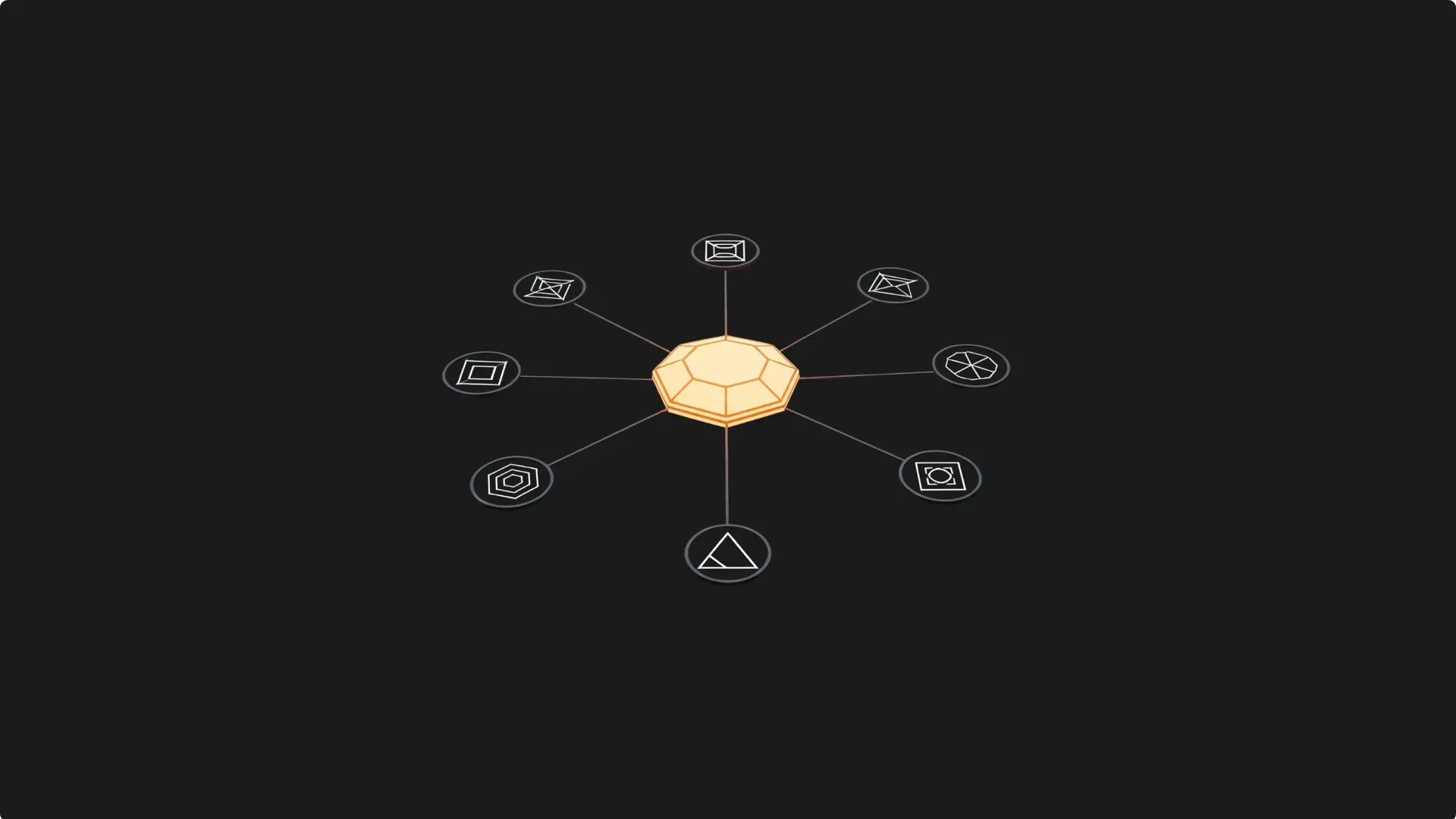
Kadence Pattern Hub emerges as the ultimate solution that’s transforming how agencies, designers, and developers create exceptional websites. This tool isn’t just another WordPress plugin; it’s a revolutionary system that lets you create, manage, and monetize complete libraries of custom design patterns.
Understand the Transformative Power of Kadence Pattern Hub
Kadence Pattern Hub represents the natural evolution of modern web design. Formerly known as Kadence Cloud, this premium plugin was specifically designed to solve the most costly problem design professionals face: constantly recreating similar elements.
The Game Changing Difference
But here’s where it gets interesting: Unlike traditional template libraries, Kadence Pattern Hub lets you create your own fully customized design ecosystem. You’re not limited to using generic templates; you can build a library that perfectly reflects your style, your brand, and the specific needs of your clients.
The crucial advantages that set it apart from other tools:
The Surprising Result
Professionals who implement Kadence Pattern Hub report an 80% reduction in development time and a significant increase in the visual consistency of their projects. The key is to understand that you’re not just buying a plugin; you’re investing in a system that will scale with your business.
Master the Strategic Setup of Your Library
Essential Technical Requirements
To maximize the performance of Kadence Pattern Hub, ensure you meet these must-have requirements:
Strategic Step-by-Step Installation
Step 1: Prepare the Environment
• Create a dedicated subdomain (e.g., patterns.yourdomain.com)
• Install a clean WordPress instance on the subdomain
• Set up SSL and verify public accessibility
• Install Kadence Theme and Kadence Blocks
Step 2: Configure the Plugin
• Download from your KadenceWP account
• Upload and install the ZIP file
• Activate with your license key
• Configure the hub name and sync frequency
Step 3: Initial Optimization
• Activate the Flash API for automatic thumbnails
• Create base categories (Headers, Content, Footers)
• Set up collections for different clients
• Configure strategic keywords.
The Powerful Category Setup
But here’s the key: The strategic organization of your library will determine the efficiency of your workflow. The most successful professionals implement this foolproof structure:
Implement the Ultimate Monetization System
Proven Business Models
The key is to diversify your income streams through multiple monetization models:

Elias Ramirez
Behind KadeRank is me, its founder, with 11 years dedicated to the world of Web positioning (SEO), site optimization and WordPres. I help companies and entrepreneurs to build and improve their Internet presence with fast, effective and well-positioned websites, specializing in the Kadence WP environment.
